
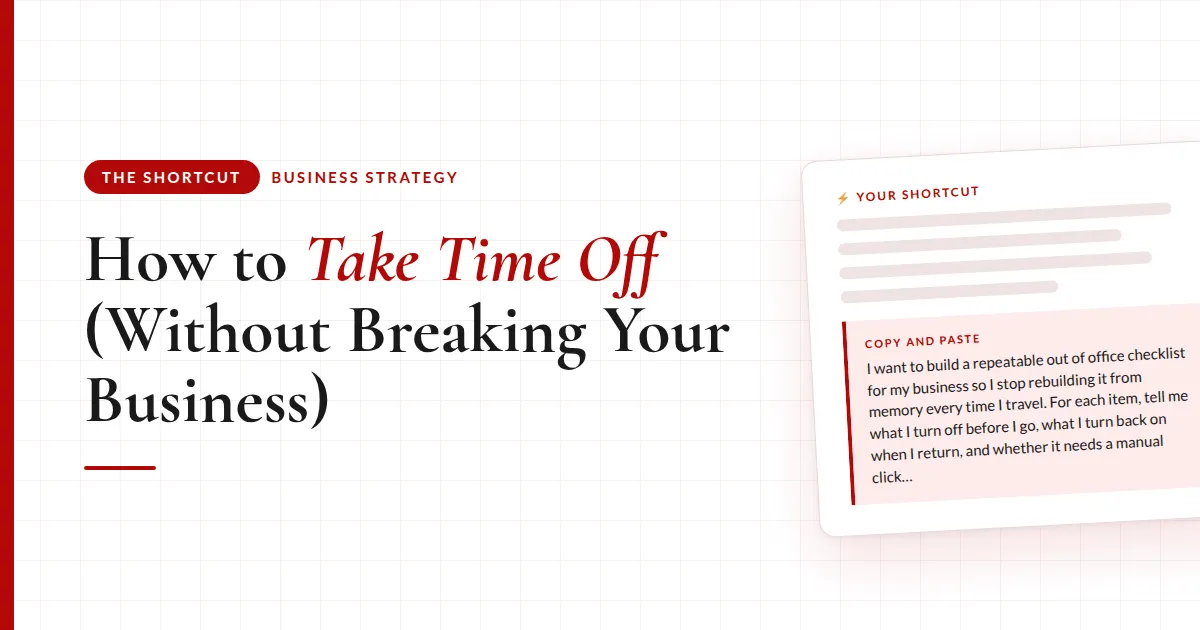
How to Take Time Off (Without Breaking Your Business)
I took a week off recently and nothing broke while I was gone. That didn't used to be true.
Every time I step away, the same things have to happen. Doesn't matter if it's a solo work trip, a family vacation, or a few days off around a holiday:
- Something automated has to pause so it isn't running without me
- The people counting on me that week need to hear the dates from me
- My out of office has to say the right thing, and my marketing emails still need to go out
I used to rebuild that list from memory every single time. Half-remembered, always in a rush, in the 48 hours before I left 😅
The hard part of going out of office isn't the leaving. It's the coming back.
Turning things off is easy. You're standing right there, you're motivated, you're about to go on an adventure. Turning them back on is the part that's hard to remember, because by then you're home and buried in to-dos, and the thing you switched off is invisible.
Why I built this
One trip I came home and my client reminder automation was still switched off. Calls were back on. The reminders weren't.
Nobody was upset about it. But it bugged me, because it wasn't a hard thing to remember. It just fell through the cracks.
That's when it clicked that I'd been solving the wrong half of the problem. I'd been so focused on leaving that I never built anything to protect the coming back.
So now the whole thing is one saved process. I give it my travel dates and it walks the entire checklist with me, in order.
The reminder to flip everything back is already sitting in my task list before I've packed.
Here's my real example:
- The thing that pauses. I have live group calls on Wednesdays, and the reminders for those go out through an Airtable automation. There's no on/off switch through any connector, so it has to be a manual click. That's fine. The job is to hand me the direct link so it's one click, and wait for me to confirm
- The undo, booked before I leave. The same moment it's switched off, a dated task lands in ClickUp to turn it back on, with that same link inside it
- The people side. A short personal note to each client with the dates I'm out, which call we're skipping, and when we pick back up. All saved as drafts in Gmail, never sent without me
What actually changes
❌ Before
- Rebuilding the same list from memoryevery trip, every holiday, every time
- Something stays switched offand a client notices before you do
- Your list goes quiet while you're goneso you restart from zero when you're back
✅ After
- One saved process, every tripgive it your dates, it runs the checklist
- The undo is booked before you leavedated to the day it actually matters
- Emails keep going out while you're awayyou come home to a warm list, not a cold one
Where to start
Don't start with the automation. Start with the list, and get three things right about it:
- Every "off" has an "on." For each item, write down what you switch off before you go and what you switch back on when you return. The second column is the whole point
- Date the reminder backwards. From the first thing that depends on it after you're back, not from your return date. Close enough to remember why, early enough to fix it
- Make the manual stuff one click. Some things can't be automated. Fine. Put the direct link in the checklist and in the reminder, so it's a click, not a hunt
If you only do one thing from this post, create the return-side reminder before you leave. Not when you get back. Before.
Here's how to build the checklist
This is the prompt I'd start with. It builds your checklist from what actually runs in your business on a normal week, and flags what can't be automated so you know where your risk is. Drop it into whatever AI tool you use.
I want to build a repeatable out of office checklist for my business so I stop rebuilding it from memory every time I travel. Here's my business: [2-3 sentences]. Here's what happens on a normal week that would need to pause or change if I stepped away: [list everything you can think of, for example weekly client calls, reminder automations, scheduled emails, a booking link that stays open, recurring social posts].
Ask me anything you need to know, then give me back a written checklist in order. For each item, tell me three things: what I turn off or change before I go, what I have to turn back on when I return, and whether it can be handled automatically or needs a manual click from me. Flag anything that can't be automated so I know where my risk is.
Keep the checklist somewhere you'll find it next time. Even a doc is fine. The goal is that trip number two starts from the list, not from memory.
The takeaway
Stop planning for the leaving and start planning for the return. Build the list once, book the undo before you go, and make anything manual a single click.
The full breakdown is inside The Shortcut
That prompt builds the list. Members get the version that runs it for you:
- Prompt 2, which runs the checklist for your actual dates: direct links for every manual switch, a return-side task dated backwards from your first real commitment, and personal notes to everyone affected saved as drafts
- Prompt 3, the "don't go dark" plan that builds a send schedule from things you can repurpose so your list stays warm
- Prompt 4, which saves the whole thing as a "travel prep" skill so trip number two takes five minutes
- The rule I bake in so AI never claims it switched something off when it couldn't
- My audio walkthrough, including the out of office responder trick
The truth about going quiet
Your email list shouldn't go dark while you're gone. A week of silence costs you more momentum than the trip is worth.
That doesn't mean writing a week of emails before you pack. It means looking at what you already have, past emails, published content, half-finished drafts, and scheduling a few of them ahead of time. Repurpose first. Write from scratch last. And be honest about which days you can skip.
So ask yourself: if you left for a week tomorrow, what would still be running that shouldn't be? And what would you forget to turn back on?
Common questions
What should be on an out of office checklist for a small business?
Everything that runs on a normal week and would need to pause or change: client calls and their reminder automations, scheduled emails, booking links, recurring social posts, your responder. For each item, note what you switch off, what you switch back on, and whether it's automatic or a manual click.
How do I remember to turn things back on after vacation?
Create the reminder at the same moment you switch something off, before you leave. Date it backwards from the first thing that depends on it after you're back (if your calls are Wednesday, the reminder lands Monday), and put the direct link inside it so it's one click.
Can AI pause my automations for me while I'm away?
Some, not all. Plenty of automations have no on/off switch through any connector. When that's true, the right setup is for AI to hand you a direct link, wait for you to confirm, and guarantee the return-side reminder exists. It should never claim it switched something off when it couldn't.
Should I email clients individually or as a group before I go?
If the group is small, individually. It takes an extra two minutes and reads completely differently. Include the dates you're out, what you're skipping, and when you pick back up. Save them as drafts and read each one before sending.
Should my email list go quiet while I'm on vacation?
No. A week of silence costs more momentum than the trip is worth. Before you leave, build a short send plan from things you can repurpose (past emails, published content, half-finished drafts), schedule them, and skip only the days that wouldn't hurt.
Recommended Resources 🛠️
- ClickUp · where the return-side reminder lives
- Airtable · where my client reminder automation runs
- Gmail · client notes and out of office copy, drafted never sent
- AI Skill Shop · ready-made skills
Some of these are affiliate links. If you buy through one I may earn a commission, at no extra cost to you. I only list tools I actually use.