
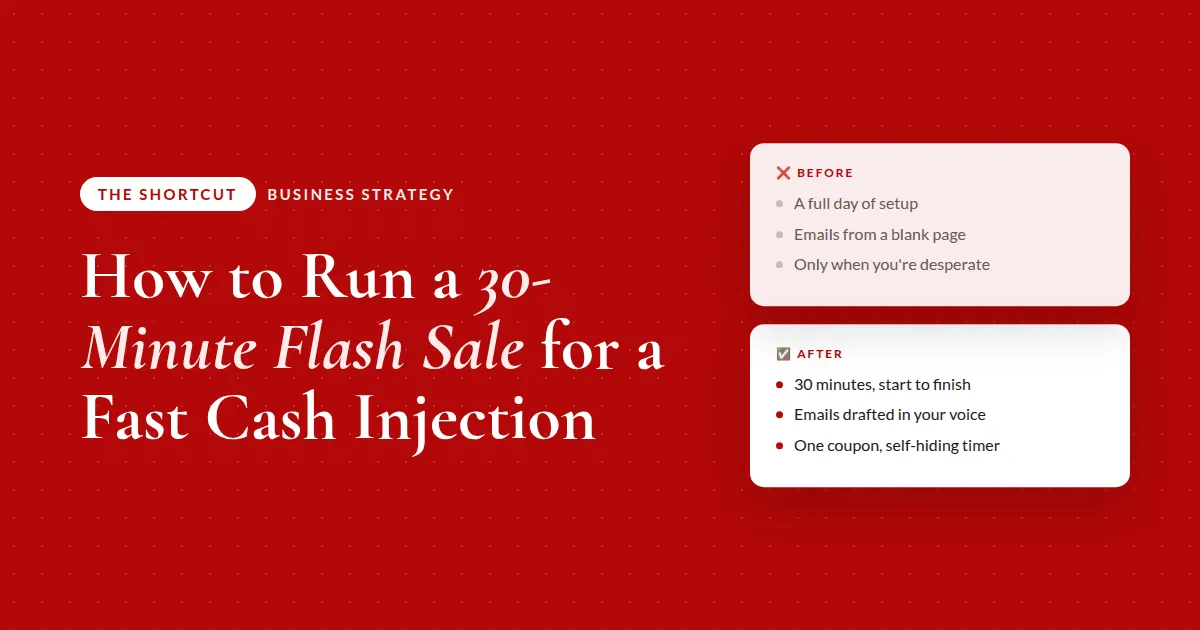
How to Run a 30-Minute Flash Sale for a Fast Cash Injection
This is one of my favorite ways to bring in cash fast: a flash sale I can set up in about 30 minutes and run any week I want to.
Here's the thing about flash sales. They don't make money because the offer is amazing. The offer was already amazing last month and nobody bought it.
They make money because someone who's been thinking about it for months finally has a reason to buy today.
A flash sale doesn't work because the offer is good. It works because it ends.
The deadline is the whole product. And yet most of us barely run them, because the setup used to look like this:
- Write a whole email sequence from scratch
- Build a new checkout for the discounted price
- Wire up a new page or a new banner
- Lose a full day, then swear you'll never do it again 😅
So you only run one when you're desperate. Which is the worst possible time to sell anything.
Why I built this
I avoided flash sales for exactly that reason. The play was simple; the production around it wasn't. So I stripped the production down to the three things a flash sale actually needs and automated as much of each as I could.
The emails: I tell AI what the sale is, when it runs, and link it to my existing sales page for context. It writes the whole sequence from my past emails and my tone, so it sounds like me from the first draft. Because my email tool is connected, it loads every email in as a draft and the only thing left for me is scheduling the sends.
The checkout: I didn't build one. I made one coupon code on my existing offer page and put that code in the emails and the banner. That's it.
The urgency: AI built a countdown section for the page with custom code that stays hidden before the sale, shows during it, and hides itself the second it ends. I never have to remember to take it down.
It's not 100% hands-off. But a flash sale went from a full day of work and stress to about 30 minutes.
Here's the opinion I'd push on. People treat a cash injection as a big production, so they save it for emergencies. But the value of a flash sale isn't any single sale. It's having a play you can run whenever you want, with no dread attached.
Once the setup is 30 minutes, you stop asking "is this worth the effort?" and start asking "is this a good week for it?" Those are completely different questions, and only the second one makes you money 🙌
The part that made it stick: after the first run, I saved the whole process as a reusable skill. Next time I have an idea, I pick the skill, give it the details, and review what comes back.
What actually changes
❌ Before
- A full day of setupemails, a new checkout, a new page
- Emails written from a blank pagethe whole sequence, every time
- Only running one when you're desperateleaving easy revenue on the table
✅ After
- About 30 minutes to set upa repeatable play, not a production
- Emails drafted in your voiceall you do is schedule the sends
- One coupon and a self-hiding timeron your existing page, no new checkout
Where to start
Three decisions, and you can make all of them in five minutes:
- A real deadline. Date, time, and time zone. Say it in every email. Never extend it, because the first time you do, every future deadline stops working
- One coupon code. On your existing offer page. Do not build a new checkout; it's the step that turns 30 minutes into a day
- Your voice, ready to hand over. A few past emails and a note on your tone, so the drafts come back usable instead of needing a rewrite
That third one is the difference between a sequence you schedule and a sequence you spend the afternoon fixing. If you have a saved brand-voice doc or skill, point AI at it. If you don't, three past emails will do.
Here's how to write the sequence
This is the prompt I'd start with. It plans the sale and drafts every email in your voice, then hands them back as ready-to-paste HTML so the formatting survives the trip into your email tool. Drop it into whatever AI tool you use.
I want to run a [X]-day flash sale on [my offer] for [occasion, e.g. my birthday or a slow month]. It opens [start date] and closes [close date] at [time and time zone], and I never extend it. The deal is a coupon code [CODE] for [discount] on my existing checkout page.
Write me a [3 or 4] email sequence in my voice: email 1 launches it with my personal reason for running it, email 2 makes the case for why now, email 3 is a morning-of-close last chance, and email 4 is a short final-hours reminder. Every email needs the coupon code, the deadline stated plainly, a clear button, and no fake urgency.
Ask me for past emails and my tone first so it sounds like me. Give me each email as clean, ready-to-paste HTML in my branding that I can drop straight into [my email tool] and schedule myself.
Why HTML and not plain text? Because when you paste plain text you're still the one adding bold, sizes, colors, and images by hand. HTML keeps all of it, so the copy-paste is the whole job.
The takeaway
Don't save flash sales for emergencies. Cut the setup to 30 minutes, save it as a repeatable play, and run one whenever it's a good week for it.
The full breakdown is inside The Shortcut
That prompt writes the emails. Members get the rest of the 30 minutes:
- The connected-tool version of the prompt, which creates every email as a draft inside your email platform so you only schedule
- Prompt 2, which builds the self-hiding countdown section for your existing page: hidden before, live during, gone after, with the coupon and a checkout button
- The preview-first trick so you don't think the timer is broken when it's just correctly hidden
- How I saved the whole thing as a reusable skill so the next sale is fill-in-the-blanks
- My audio walkthrough, including why I put the timer in its own page section
Let's be real about urgency
I know "flash sale" makes some people wince. It sounds like the fake-countdown, "only 3 left!" corner of the internet.
Here's my line. Real deadline, real discount, real reason. I tell people why I'm running it (a birthday, a slow month, a goal), I state the close time plainly, and when it's over, it's over. The timer hides itself so I'm not even tempted.
Do that, and a flash sale isn't a trick. It's just a clear invitation with an end date, sent to people who were already interested. The ones who were waiting for a reason get one 👉
Common questions
How do I run a flash sale quickly?
Keep it to three moving parts: one coupon code on your existing offer page, a short email sequence drafted in your voice by AI, and a countdown on your sales page that shows only during the sale window. Skip building a new checkout or landing page; that's what turns a 30-minute setup into a full day.
How many emails should a flash sale have?
Three or four, depending on the length of the sale: a launch email with your reason for running it, a why-now email, a morning-of-close last chance, and a short final-hours reminder. Every one states the deadline plainly and includes the coupon code and a clear button.
Do I need a new checkout page for a flash sale?
No. Create one coupon code on your existing offer and reference it in the emails and the countdown. Your current checkout handles the rest, and there's nothing to tear down afterward.
How do I add a countdown timer that hides itself after the sale?
Use a small custom-code section on your existing page that stays hidden until the start time, shows a live countdown during the window, and hides automatically at the close time. Preview it before the sale starts, because on the live page it will correctly show nothing until the timer kicks in.
Should I extend a flash sale if it's going well?
No. The deadline is the reason people buy, and extending it teaches your audience that your deadlines aren't real. Pick a close time you can live with, say it in every email, and let it end.
Recommended Resources 🛠️
- Simple Business Suite · pages, checkout and the countdown
- AI Skill Shop · the saved flash sale skill
- Kit · my email tool
Some of these are affiliate links. If you buy through one I may earn a commission, at no extra cost to you. I only list tools I actually use.