

Hey, I'm Steph Blake 👋

I help business owners start & scale simple, automated & profitable businesses.
I help business owners start & scale simple, automated & profitable businesses.
🔒
Unlock THE VAULT
Lifetime Access to Everything You Need to Simplify Your Business in ONE Place!
Here's How Steph Can Help You....
Simplify
For newer or overwhelmed business owners who need direction before adding automations.
Get clarity on your offers, marketing, and systems — and a clear path to simplify your business before scaling.
Automate
For established business owners who are ready to scale without working more hours.
Review your existing automations, identify what’s breaking or unnecessary, and get a clear plan for what to automate next.

Private Calls
Perfect for the person that needs an expert to connect with and get clarity quickly, without an ongoing commitment.

Private Consulting for Established Businesses
For business owners who are ready to remove the chaos, refine their systems, and unlock a smarter path to scale sustainably.
Private Consulting for New Businesses
For business owners who are ready to remove the chaos, refine their systems, and unlock a smarter path to scale sustainably.

Automation Accelerator
High-touch program to help you identify, implement, and optimize the right automations in your business!
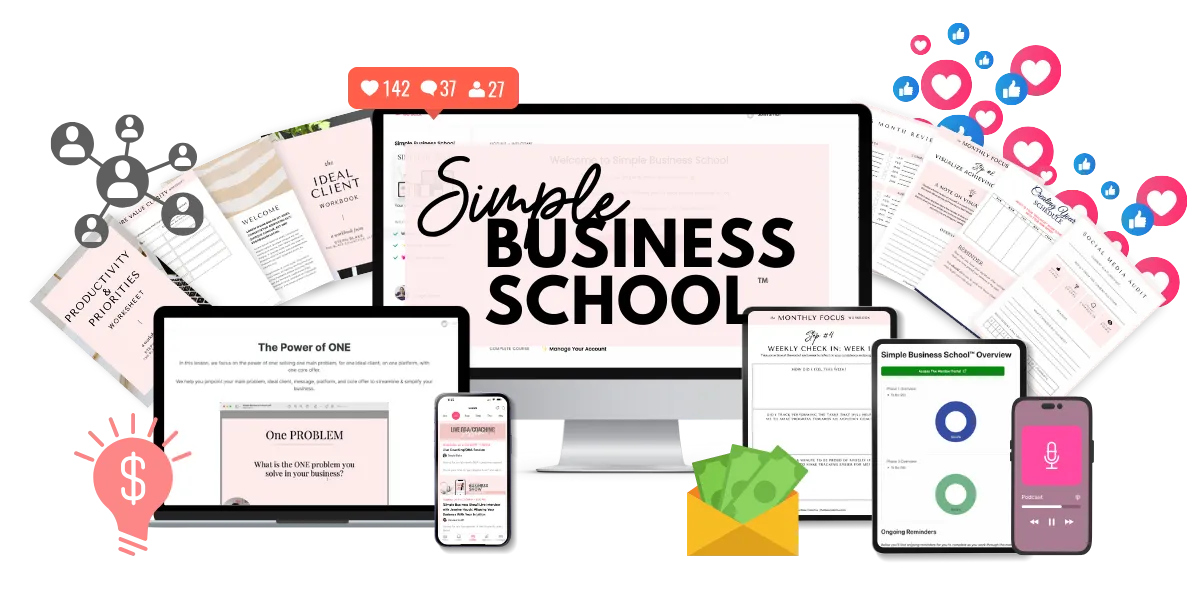
Simple Business School™
Personalized coaching and accountability to simplify & grow your business without working more!

Anonymous, Weekly Coaching
Your questions, answered anonymously, every week via a private podcast feed — with actionable advice tailored to you!
Not sure which to choose?
Simplify is the best step for most entrepreneurs.
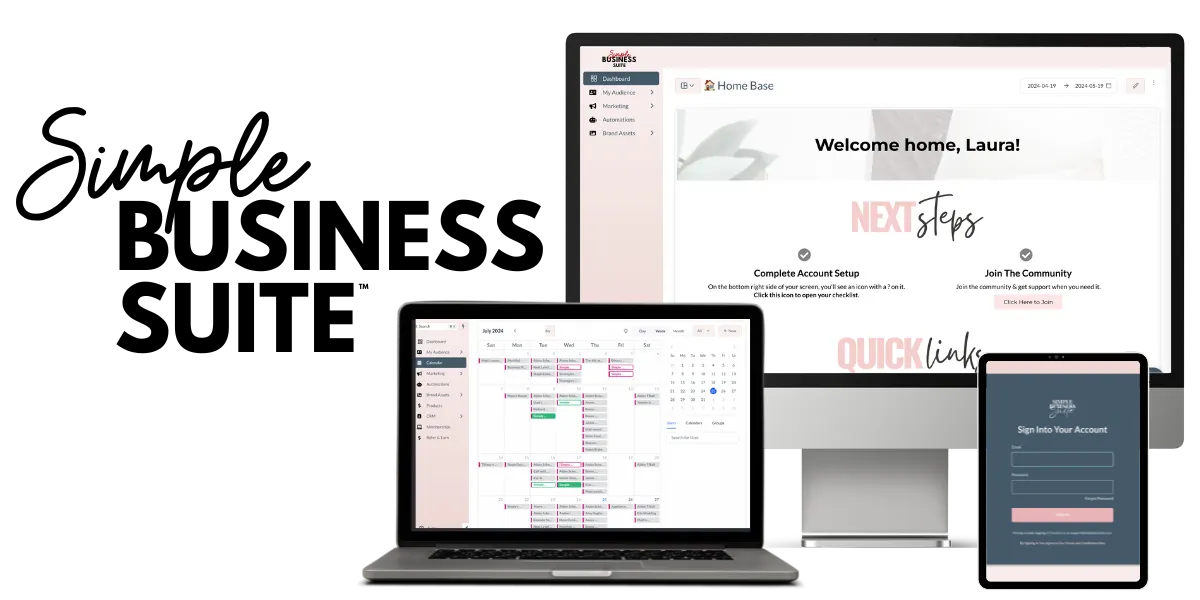
Simplify Your Software with the Simple Business Suite™
The Simple Business Suite™ is your all-in-one software to simplify your systems and automate your software!
Get unlimited access to everything you need to run your online business in ONE place and save hundreds (or thousands) of dollars every month!
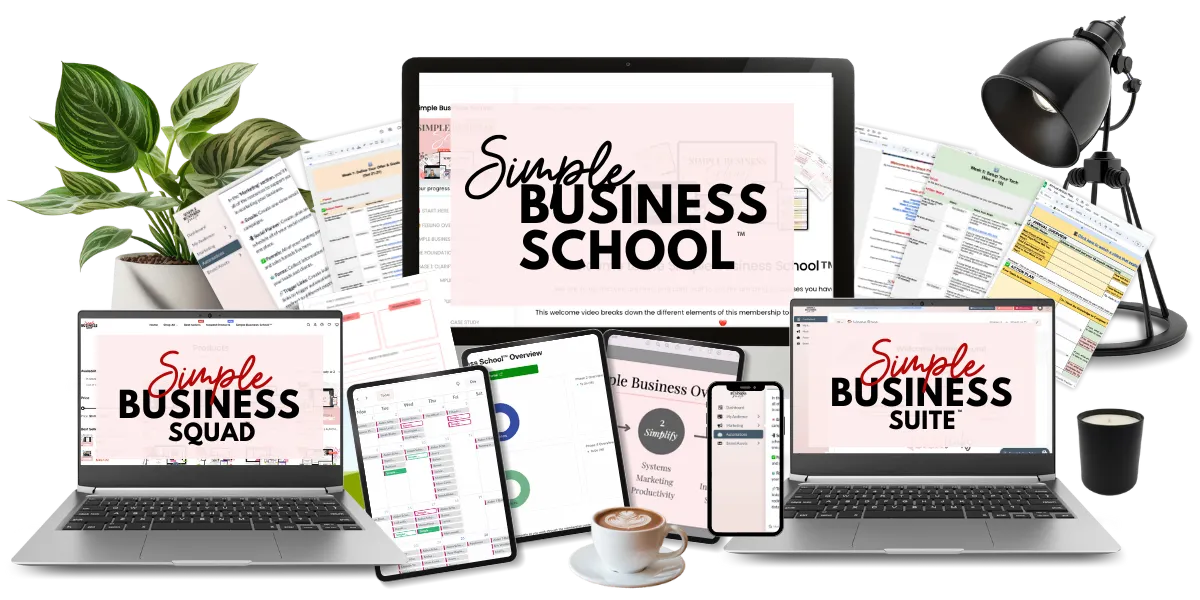
Simplify Your Business Bundle
Everything you need to simplify your business - strategy, software and tech!
Perfect for entrepreneurs who are serious about simplifying every area of their business!

Private Day of Support
By the end of the day, you’ll have greater clarity, improved strategies, and the confidence to move forward!

In Person Events
Build real connections and get hands-on support to see the things you've been missing or struggling with on your own.
You'll walk away with the clarity and confidence to take your next steps—faster than you ever thought possible.
Personalized support for every stage of business
Established Businesses
Custom support for business owners who are ready to refine their backend systems/automations, marketing strategies and implement AI to scale.
New
Businesses
Custom support for new entrepreneurs who want to create a flexible, automated business that works on their terms without the tech overwhelm.
Private Calls
Perfect for the person that needs an expert to connect with and get clarity quickly, without an ongoing commitment.
Private Consulting for Established Businesses
For business owners who are ready to remove the chaos, refine their systems, and unlock a smarter path to scale sustainably.
Private Consulting for New Businesses
For business owners who are ready to remove the chaos, refine their systems, and unlock a smarter path to scale sustainably.
Automation Accelerator
High-touch program to help you identify, implement, and optimize the right automations in your business!
Simple Business School™
Personalized coaching and accountability to simplify & grow your business without working more!
Anonymous, Weekly Coaching
Your questions, answered anonymously, every week via a private podcast feed — with actionable advice tailored to you!
Simplify Your Software with the Simple Business Suite™
The Simple Business Suite™ is your all-in-one software to simplify your systems and automate your software!
Get unlimited access to everything you need to run your online business in ONE place and save hundreds (or thousands) of dollars every month!
Simplify Your Business Bundle
Everything you need to simplify your business - strategy, software and tech!
Perfect for entrepreneurs who are serious about simplifying every area of their business!
Private Day of Support
By the end of the day, you’ll have greater clarity, improved strategies, and the confidence to move forward!
In Person Events
Build real connections and get hands-on support to see the things you've been missing or struggling with on your own.
You'll walk away with the clarity and confidence to take your next steps—faster than you ever thought possible.
Need help finding the best type of support for your goals?
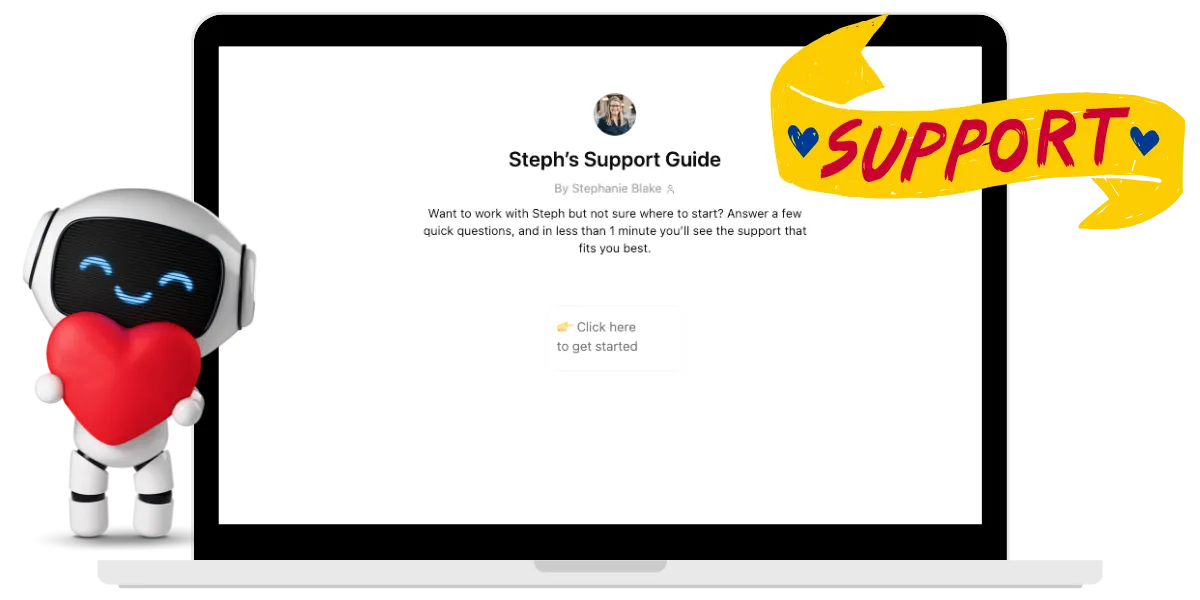
In less than 1 minute, Steph's Support Guide will direct you to the right place!
Feedback from a few people I've helped 🫶
"
When I found Steph, I had already spent 8 months searching for how to grow from an unprofessional blogger to a professional, recognizable business in my industry.
No one seemed to offer that 'secret sauce'—the guidance you need when you're trying to grow, but don't have enough time to do it all yourself or the money to hire help.
When I saw a bundle that she hosted, I immediately thought, 'This is the woman I need to learn from.'
And I was right!
Steph provided exactly what I had been searching for all year but couldn’t find anywhere else.
She’s been the missing piece I needed to take my business to the next level!"
MICHELLE DEAR MONCRIEF
MICHELLE DEAR MONCRIEF
Blogger & Membership Site Owner
Blogger & Membership Site Owner
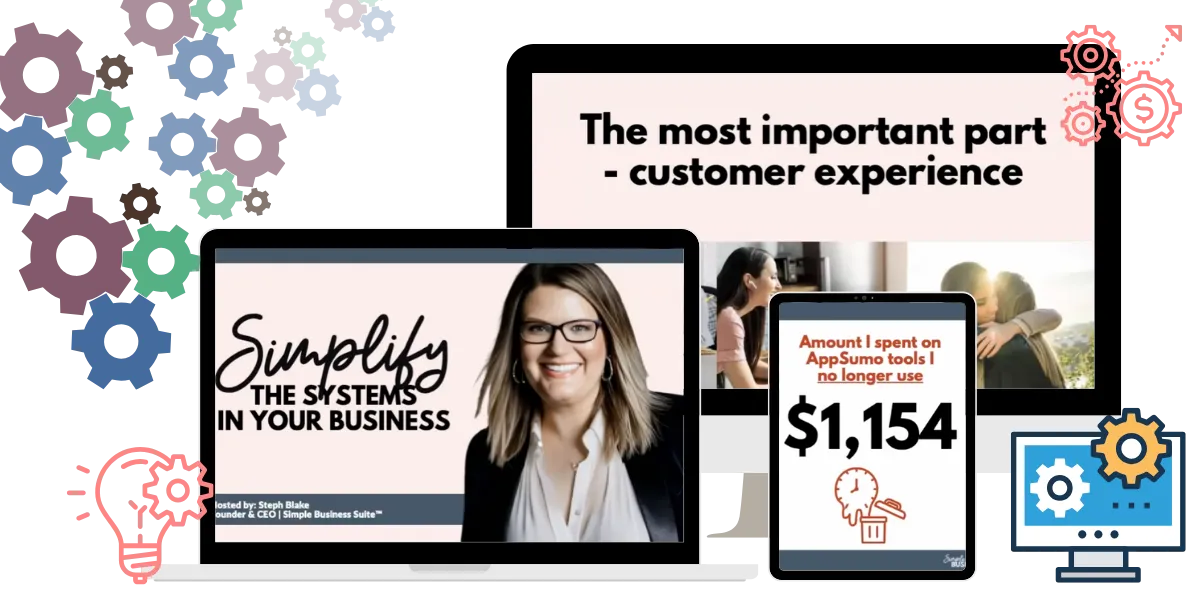
WANT A FREE WORKSHOP? 😉
How to Simplify the Systems In Your Business
In this free, interactive workshop you'll learn how to:
👉 Streamline your systems & tech
👉 Create simple automations
👉 Make selling easier
👉 Future-proof your business
...and so much more!

Listen To the Podcast
We're peeling back the curtain and showing what it takes to run a simple & profitable online business.
Every week you'll hear stories & strategies from my guests & I to help you simplify your business.
In this podcast, we're peeling back the curtain and showing what it takes to run a simple & profitable online business.
Every week you'll hear stories & strategies from my guests & I to help you simplify your business.
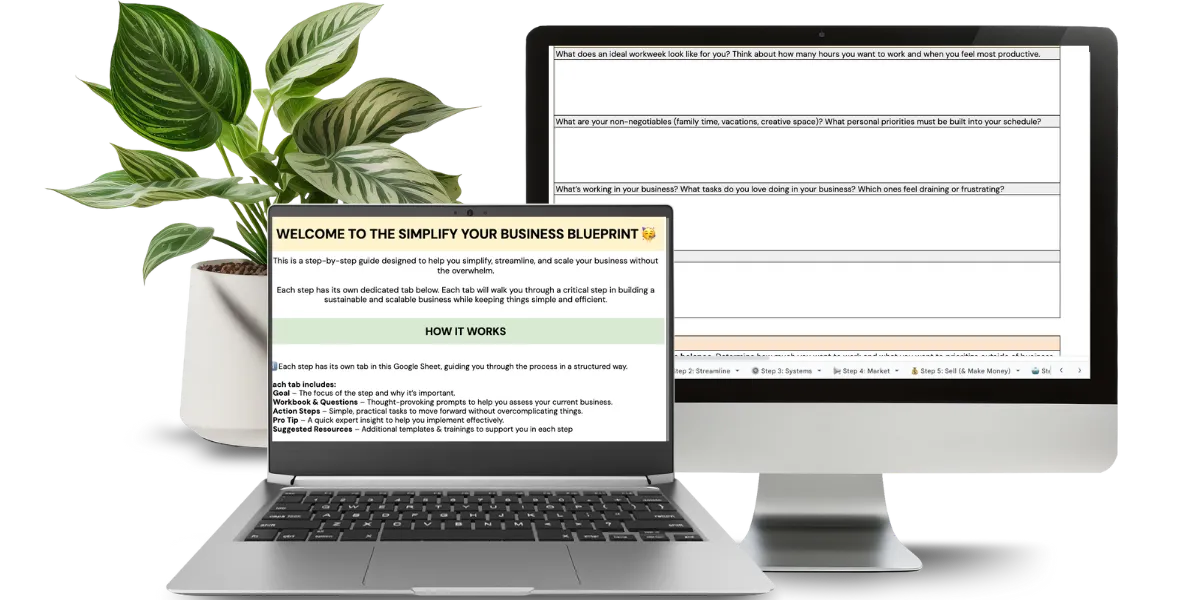

Get the step-by-step blueprint to simplify your business for FREE!
The step-by-step blueprint to simplify your business for FREE!
Hey, I'm Steph Blake 👋
I'm that crazy woman who is obsessed with working less than 20 hours per week & making a full-time income...

...AND I WANT TO HELP MAKE THAT POSSIBLE FOR YOU TOO!
I’ve spent the last two decades guiding hundreds of businesses from scattered to streamlined - taking many from $0 to multi-six and seven figures with strategies built on simplicity, efficiency, and intentional growth.
I’m not just teaching theory. I’ve lived this by:
• Building my own businesses using the exact frameworks I now teach my clients.
• Leaving the 80-hour hustle years ago
• Retired my husband from his 9-5 so our family could design life on our terms.
My focus is on designing smarter systems, leveraging the right tech and team, and focusing your time on what actually moves the needle — so your business serves you, not the other way around.
Business Consultant, Serial Entrepreneur, Podcast Host, Systems Nerd, Boy Mom (x2), Wife, Amazon Prime Addict
EXISTING STUDENTS & USERS
All Rights Reserved. Copyright © 2026 The Blake Collective, LLC
Privacy Policy | Terms & Conditions | Contact
This page is powered by the Simple Business Suite™
"
How do you thank someone who stopped you from giving up on your business and helped you discover your true purpose?
For years, I was held back by a missing link that I couldn’t identify—until I worked with Steph Blake.
She helped me find it in a Mastermind where we shared our businesses, fears, and mindsets in a safe, supportive space.
Despite never having met Steph before, the experience was transformative. I’ve worked with countless coaches and invested significant time and money without seeing results, but none understood my mission and passion like Steph.
She grasped my "why" almost better than I did.
What makes Steph unique is how much she truly cares. She listens deeply and finds the simplest, most effective strategies to help you start or scale your business.
Thanks to Steph, I now believe I can build the business I’ve always envisioned. The outcome exceeded my expectations.

huguette charles
Momcierge Event Planner & Professional Mascot
Follow Along on Instagram
@theblakecollective
Favorite Blog Posts
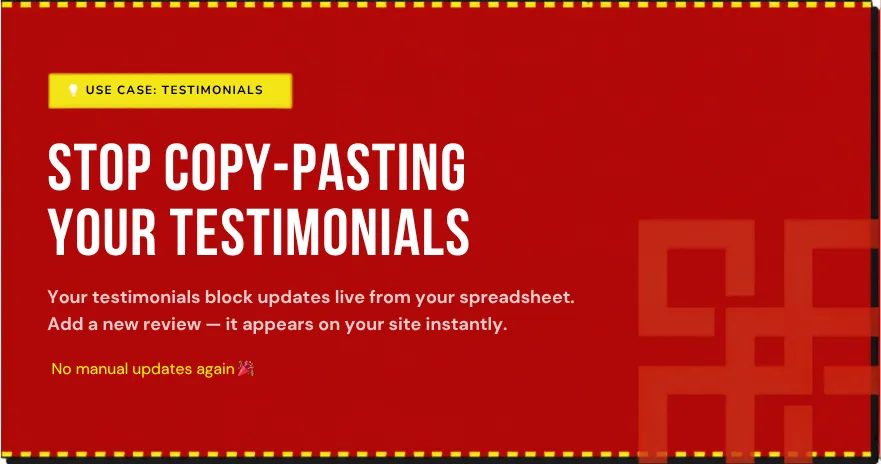
How to Add Auto-Updating Testimonials to Your Website
How to Add Auto-Updating Testimonials to Your Website
You worked hard to earn that glowing review. Your client sent it in, you did a little happy dance, and then... you had to go log into your website, find the testimonials section, type it all out, format it, and republish the page.
And then do it again next week. And the week after that.
If you're collecting testimonials regularly, from coaching clients, course students, customers, or community members, manually updating your website every single time is one of those tasks that sounds small but adds up fast.
One testimonial takes five minutes. Ten testimonials take fifty.
By the end of the month, you've spent hours copying and pasting instead of serving your clients or building your business.
And here's the kicker: while you're busy updating your website, those new testimonials aren't doing anything for you.
They're sitting in your email inbox or a Google form, invisible to potential customers who could be converted by reading them.
There's a better way to do this. You can set up your auto-updating testimonials so they update automatically on your website the moment you add a new one to your spreadsheet.
What Does "Auto-Updating Testimonials" Actually Mean?
Testimonials are one of the most powerful conversion tools on your website. When a potential client lands on your sales page, seeing real feedback from real people is often what tips them from "maybe" to "yes."
Research consistently shows that customer testimonials increase trust and conversions, they're proof that your product or service actually works.
But here's the problem with most testimonial sections: they're outdated. Because updating them is a hassle, most business owners add a handful when they first build their site and leave them there for months, sometimes years.
Meanwhile, you've collected dozens of newer, better testimonials that never make it to your website. That's a massive opportunity cost.
Auto-updating testimonials work by connecting your website to a live data source, in this case, your Airtable base or Google Sheets spreadsheet.
Instead of your website storing the testimonial text directly, it pulls from your spreadsheet in real time.So when you add a new testimonial to your spreadsheet, it appears on your website automatically.
No website login required. No manual edits. No republishing.
Think of it like this: your spreadsheet becomes the single source of truth for all your testimonials. Your website simply displays whatever is in that spreadsheet at any given moment. Update the spreadsheet, and your website updates instantly.
This is the opposite of how most websites work today, where the testimonials are hard-coded into the site, locked in place, and require a developer or technical know-how to change.
The power here is simple: more testimonials means more trust, and more trust means more conversions. With BlockBuilder™, you can bridge that gap and ensure your newest, best feedback is always live on your site.
How to Set Up Auto-Updating Testimonials in 3 Steps
Step 1: Collect Your Testimonials in Airtable or Google Sheets
Create a simple spreadsheet with columns for the person's name, their testimonial, their role or company, and optionally a photo or star rating.
Every new testimonial goes here, this becomes your single source of truth. BlockBuilder™ will pull directly from this spreadsheet, so all your testimonials stay in one place and update everywhere at once.
The structure matters here. Give each column a clear header: "Name," "Testimonial," "Company/Role," "Photo," "Star Rating."
This helps BlockBuilder™ know which data to pull and where to display it. If you're collecting testimonials through a form, set it up to feed directly into Airtable or Google Sheets so the data populates automatically. No copy-and-pasting required.
The beauty of this approach is that you're not managing testimonials in two places; you're managing them once and letting BlockBuilder™ do the displaying.
Your team (or an automation) can add testimonials as they come in, and the website updates immediately, no coordination needed with your web designer or developer.
Step 2: Connect and Build Your Testimonials Block
Link your spreadsheet to BlockBuilder™ and choose the Testimonials block type. Map your fields (name, quote, photo, rating), then style the block to match your brand, colors, fonts, card layout. No code or CSS needed.
BlockBuilder™'s visual builder means you can see exactly what your testimonials will look like as you design them.
You control everything visually: the background color, the text color, whether you want a shadow effect, how many testimonials display per row, and whether ratings appear as stars, numbers, or text.
Once everything matches your brand and looks the way you want it to, you're ready to embed. BlockBuilder™ also lets you set filtering rules, for example, you can choose to display only five-star testimonials, or only testimonials from a certain category of client.
This gives you total control over the quality and type of testimonials that appear on your site without requiring any manual intervention after the block is set up.
Step 3: Embed It on Your Website
Copy one small snippet and paste it into your website wherever you want testimonials to appear, your homepage, sales page, checkout page, anywhere. BlockBuilder™ generates the embed code for you, so all you do is paste it.
From that point on, every new testimonial you add to your spreadsheet shows up on your site automatically. No republishing. No developer needed.
The embed code is just a few lines of HTML. If your website builder supports custom HTML blocks or code sections, you paste it there.
What Can You Display with Auto-Updating Testimonials?
Once your testimonials are auto-updating, you're not limited to one location or one format. Your homepage is an obvious choice, first impressions matter, and social proof above the fold builds immediate trust with new visitors.
Studies show that testimonials in the hero section of a homepage can increase conversion rates significantly because they address visitor skepticism right away.
Your sales or services page is equally powerful. Testimonials placed near your pricing or CTA can dramatically increase conversions, especially specific, results-focused quotes.
The testimonial "I saved 10 hours a week" performs better than "Great service!" because it's concrete and specific.
Checkout or booking pages benefit tremendously from testimonials too. Right before someone commits, a relevant testimonial can remove last-minute hesitation.
Seeing someone else say "This was worth every penny" right before the payment button is powerful social proof that works.
And don't overlook email, BlockBuilder™ also works inside email builders, so you can embed a testimonials block in your regular emails to build trust in your newsletter subscribers too.
Imagine sending a monthly email that always shows your testimonials without you having to update anything. Your email list sees social proof automatically.
Because your block pulls from the same spreadsheet no matter where it's embedded, adding a new testimonial once means it can appear everywhere simultaneously. No copying, pasting, or manual updates required.
This is the power of a truly automated system.
Which Website Platforms Does This Work With?
BlockBuilder™ works on any website or email builder that accepts HTML. That includes HighLevel, WordPress, Squarespace, Wix, Kajabi, Webflow, Leadpages, Systeme.io, Shopify, Simple Business Suite™ and Weebly.
Whether you're running a coaching business on Kajabi, a course on Teachable, or an e-commerce site on Shopify, the same testimonials block works.
You're not locked into one platform or limited by what your website builder's native testimonials feature can do.
And since BlockBuilder™ is just HTML, it integrates seamlessly with email builders too, meaning you can display the same testimonials in your emails as you do on your site.
This cross-platform compatibility is crucial for businesses that use multiple tools. Your testimonials don't need to live in one place.
They live in your spreadsheet, and BlockBuilder™ makes them appear anywhere you need them.
As we wrap up, you might be wondering how to get started and make sure your testimonials are working as hard as possible for your business.
Frequently Asked Questions
How do I automatically update testimonials on my website without editing it manually?
Connect your testimonials spreadsheet (Airtable or Google Sheets) to BlockBuilder™, choose the Testimonials block type, and embed it on your site. Any new testimonial you add to your spreadsheet will appear on your website automatically.
You're managing your testimonials in one place and letting BlockBuilder™ handle the display across all your pages. Set it up once, and you never have to touch the website code again.
Can I control which testimonials are displayed?
Absolutely. You can add a status column to your spreadsheet (like "Approved" or "Draft") and configure BlockBuilder™ to filter your block to only show approved testimonials.
That way you review each one before it goes live, maintaining full control over what appears on your site. You can also filter by rating (show only 5-star reviews) or by client type, giving you the flexibility to customize what appears on different pages.
Does this work on any website platform?
Yes. BlockBuilder™'s embeddable blocks work on any website or email builder that accepts HTML, including the Simple Business Suite™, HighLevel, WordPress, Squarespace, Wix, Shopify, Leadpages, Systeme.io, and more. If your website builder accepts code, BlockBuilder™ will work.
Do I need any coding knowledge?
None at all. BlockBuilder™ is a completely no-code tool. If you can copy and paste, you can set this up.
Can I include photos and star ratings in my testimonials block?
Yes. You style them visually in the builder, and BlockBuilder™ pulls the data automatically. This means you can create testimonial cards that show the person's photo, name, company, the testimonial text, and their star rating, all pulling from your spreadsheet without any manual effort.
What's the best way to collect more testimonials?
Ask at the right moment, right after a client wins or completes your course. Make it easy by creating a simple form that feeds directly into Airtable or Google Sheets so you get structured, ready-to-display responses.
Ask specific questions like "What result did you get?" instead of generic "feedback" prompts. And always get permission to display their testimonial on your website.
A simple checkbox that says "Yes, you can feature my testimonial on your site" protects you legally and shows respect for your clients.
Start collecting and displaying testimonials automatically → myblockbuilder.com
